
Hot One Day, Cool the Next: How to Manage Your Thermostat During Texas Fall

Fall in Southeast Texas can feel like a little bit of every season rolled into one! One afternoon, you’re running the air conditioner to escape the heat. The next morning, a cool front has you reaching for a sweater.
For homeowners in Sugar Land, Rosenberg, Richmond, Katy, and surrounding communities, these temperature swings can make keeping your home comfortable a challenge. Should you leave the AC running? Switch to heat? Adjust the thermostat every few hours?
The good news is that a few smart thermostat habits can help you stay comfortable, manage energy use, and make the transition between seasons a little easier.
What’s the Best Thermostat Setting for Fall in Texas?
There’s no single perfect thermostat setting for every home, especially when Texas weather changes from one day to the next.
However, these are practical starting points:
- During warm afternoons: Try setting your cooling temperature around 75–78°F while you’re home.
- During cooler evenings: If your home stays comfortable naturally, you may not need heating or cooling at all.
- When heating is needed: Start around 68–70°F while you’re home and awake, then adjust based on your comfort.
- When you’re away: Consider an energy-saving adjustment that fits your schedule and HVAC system.
Remember, these are guidelines, not hard rules. Your home’s insulation, humidity levels, sun exposure, and personal comfort preferences all play a role.
The goal is to find a comfortable setting without constantly changing your thermostat.
1. Don’t Keep Switching Between Heating and Cooling
When temperatures fluctuate, it’s tempting to switch your thermostat from cool to heat and back again throughout the day.
While modern HVAC systems are designed to handle seasonal changes, frequent manual adjustments aren’t always necessary.
Instead, pay attention to your home’s actual indoor temperature rather than the outdoor forecast alone.
For example, a cool morning doesn’t necessarily mean your heater needs to run. Your home may retain enough warmth to stay comfortable until afternoon.
Helpful tip: If your thermostat has an AUTO changeover setting, it may be able to switch between heating and cooling automatically. Make sure the heating and cooling setpoints are separated by several degrees to prevent unnecessary switching. Check your thermostat’s instructions for the recommended temperature range.
2. Take Advantage of Naturally Cooler Weather
One of the benefits of fall in Southeast Texas is that you may finally get a break from constant air conditioning.
On mild days, consider raising your cooling setpoint or turning off heating and cooling when your indoor temperature is already comfortable.
Ceiling fans can also help circulate air and make occupied rooms feel more comfortable. Just remember to turn them off when you leave the room, since fans cool people rather than the air itself.
If outdoor conditions are pleasant, opening windows may be another option. However, keep an eye on humidity, pollen levels, and outdoor air quality before letting fresh air inside.
A little flexibility can go a long way toward reducing unnecessary HVAC use.
3. Let a Smart Thermostat Do Some of the Work
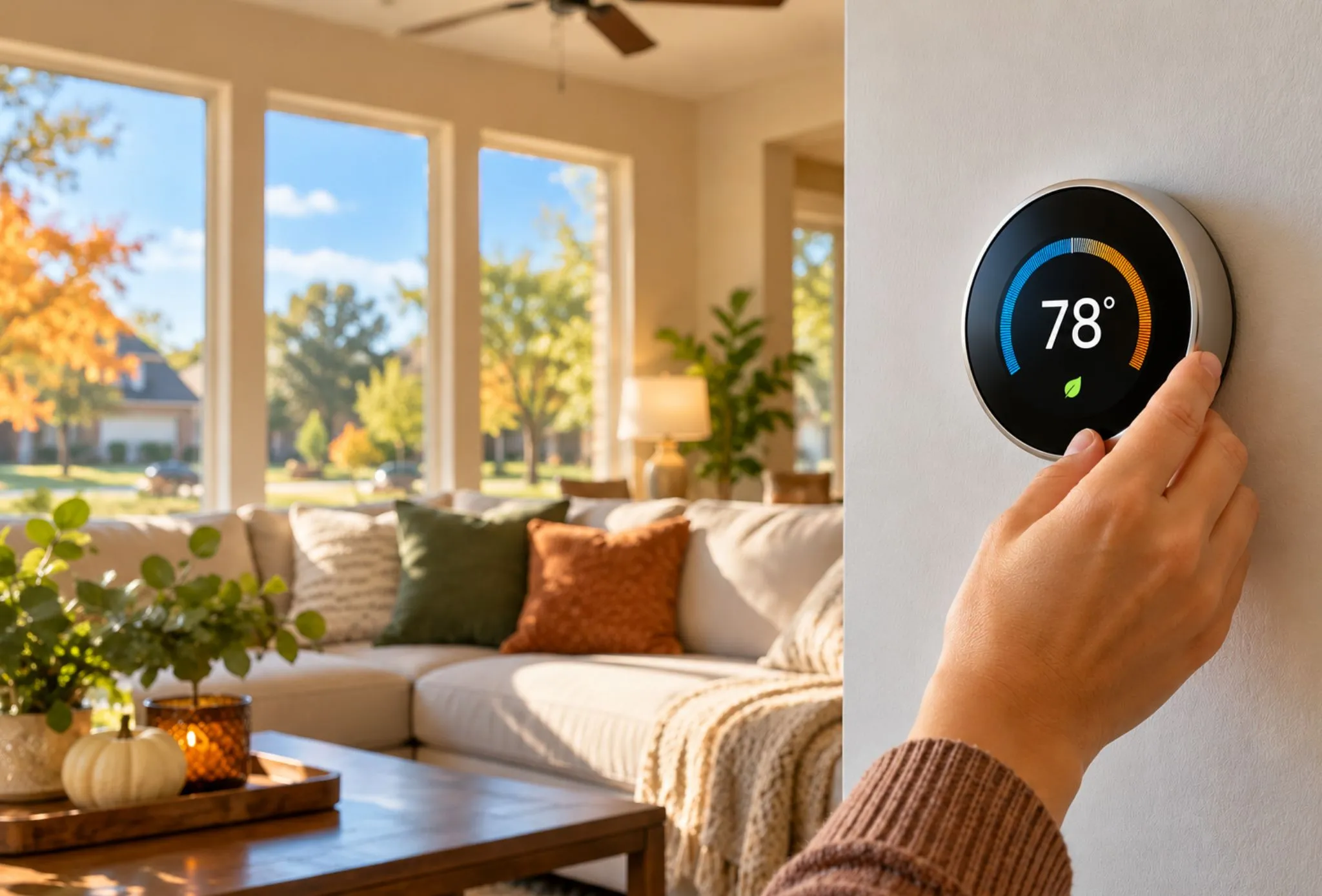
If you’re still adjusting your thermostat manually every morning and evening, a smart thermostat may be worth considering.
Many smart thermostats allow you to:
- Create heating and cooling schedules based on your daily routine.
- Adjust temperatures remotely using your smartphone.
- Set energy-saving temperatures while you’re away.
- Monitor energy usage and identify opportunities to improve efficiency.
- Manage seasonal temperature changes with less hands-on adjustment.
Some models also offer automatic heating and cooling changeover, which can be especially convenient during unpredictable Texas fall weather.
Not every smart thermostat is compatible with every HVAC system, so professional guidance can help you choose the right option.
Custom Comfort Air offers smart thermostat solutions in Sugar Land and surrounding communities to help homeowners enjoy greater control over their indoor comfort.
4. Don’t Forget About Indoor Humidity
Even when outdoor temperatures start cooling down, humidity can still be an issue in the greater Houston area.
If your home feels sticky or uncomfortable despite a reasonable thermostat setting, indoor humidity could be part of the problem.
The Environmental Protection Agency generally recommends keeping indoor relative humidity between 30% and 50%, when practical.
A few ways to help manage humidity include:
- Using bathroom and kitchen exhaust fans when needed.
- Replacing dirty HVAC air filters.
- Keeping doors and windows closed during especially humid weather.
- Checking for plumbing leaks or other moisture sources.
- Having your HVAC system evaluated if indoor humidity remains consistently high.
Lowering your thermostat isn’t always the best solution for a humid home. Proper moisture control and HVAC performance matter just as much as temperature.
5. Make Sure Your HVAC System Is Ready for Both Seasons
Texas fall weather may be unpredictable, but your home comfort shouldn’t have to be!
Since your system may still be cooling your home one week and providing heat the next, fall is a good time to make sure everything is operating properly.
Check your air filter, keep supply and return vents unobstructed, and make sure your thermostat responds correctly when changing modes.
If you haven’t had your heating system inspected, now is also a good time to schedule maintenance before colder weather arrives.
A professional HVAC tune-up can help identify developing problems, verify thermostat operation, and keep your equipment performing as intended.
Frequently Asked Questions About Thermostat Settings in Texas
Should I leave my thermostat on AUTO during fall?
If your thermostat supports automatic heating and cooling changeover, AUTO mode can be convenient during fall temperature swings. Set a reasonable gap between heating and cooling temperatures to avoid unnecessary switching. Keep in mind that the fan’s AUTO setting is different from automatic heating and cooling changeover.
Is 78 degrees too hot for a house in fall?
Not necessarily. A cooling setting of 78°F may be comfortable for some households, especially with ceiling fans and controlled humidity. Others may prefer a cooler setting. The best temperature depends on your home’s conditions and your comfort needs.
Does constantly changing the thermostat increase energy bills?
Frequent changes can lead to unnecessary heating or cooling, particularly if your settings cause the system to run when it isn’t needed. However, planned energy-saving adjustments can reduce energy use. Heat pumps may require different setback strategies, especially when auxiliary heat is involved.
Can a smart thermostat save money during Texas fall weather?
Yes, it may help reduce energy consumption by automatically adjusting temperatures based on your schedule and comfort preferences. Actual savings depend on your HVAC equipment, thermostat settings, household habits, and weather conditions.
Stay Comfortable Through Every Texas Temperature Swing
Whether the weather brings another stretch of warm afternoons or the first refreshing cold front, your thermostat plays an important role in keeping your home comfortable.
At Custom Comfort Air, we help homeowners throughout Sugar Land, Rosenberg, Richmond, Katy, and surrounding areas enjoy dependable heating and cooling through every season.
From thermostat upgrades to professional HVAC maintenance, our team is here to help you make the most of your home comfort system.
Ready to take control of your comfort this fall?
Call Custom Comfort Air at (281) 342-2512 or schedule your service online. We’re here to help keep your home comfortable, whatever Texas weather brings!